Published 2026 · EcoHome Intelligence
Best Smart Plug Energy Monitor
Last Updated: 2026-07-14
Phantom power costs the average home $100-200/year. These smart plugs reveal exactly which devices are stealing your money.
Kasa EP25 Mini — Best Overall
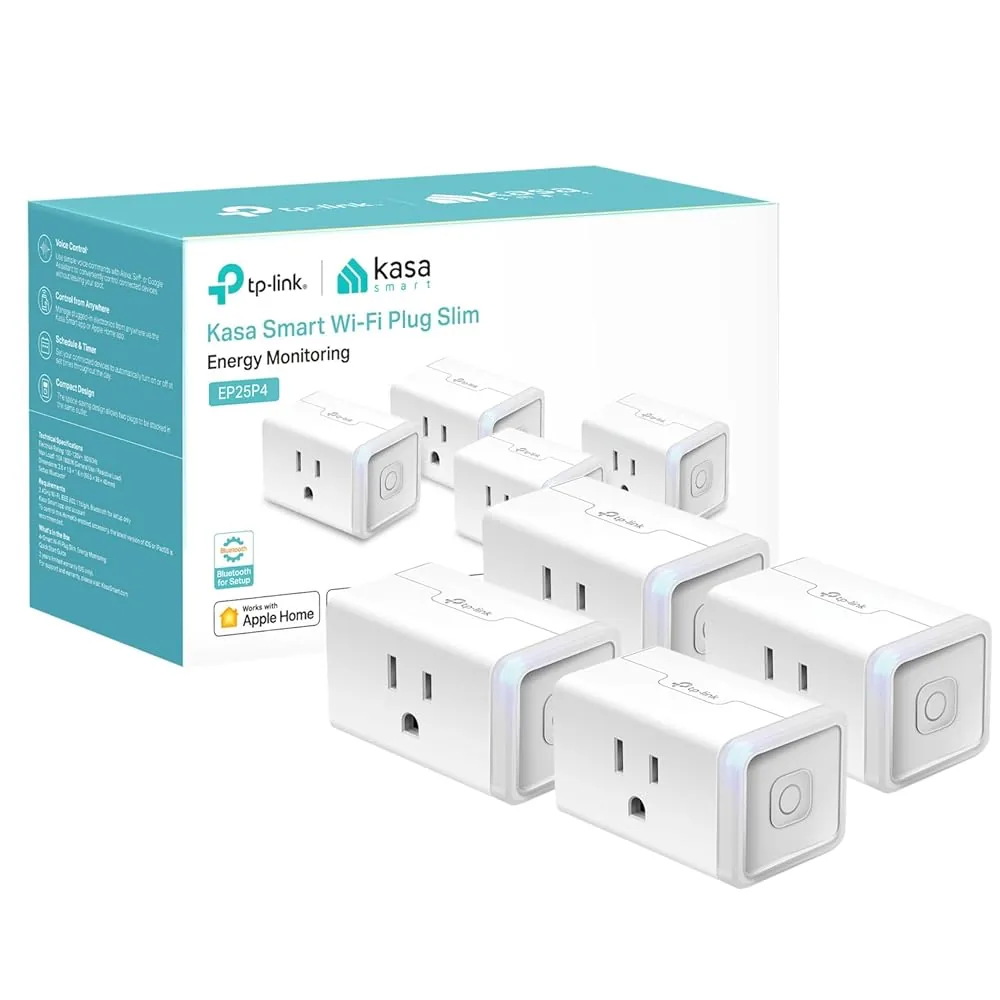
Kasa EP25 Smart Plug with Energy Monitoring
$13
15A · Energy monitoring · Alexa, Google, HomeKit
View on Amazon →Emporia Vue Smart Plug — Best for Whole Home

Emporia Vue Smart Plug with 15A Monitoring
$15
15A monitoring · Detailed graphs · Vue ecosystem
View on Amazon →Learn more about killing phantom loads in our Vampire Power guide. Bundle with other energy-saving gear in our Smart Home Bundles.
What Should You Put on a Smart Plug First?
Start with loads that run all day or wake up constantly in the background. Cable boxes, gaming consoles, desktop towers, garage fridges, coffee makers with clocks, and entertainment centers are the easiest wins because they draw standby power even when no one is using them.
- Tier 1: TV stack, modem/router backup gear, game consoles, printers, soundbars.
- Tier 2: Space heaters, dehumidifiers, portable AC units, and electric blankets that need timing control.
- Skip: refrigerators, freezers, medical devices, sump pumps, and anything where surprise shutoff creates risk.
If you want a faster first pass, run the 4-minute phantom-load audit first and then put your smart plugs only on the worst offenders.
How to Calculate Real Payback
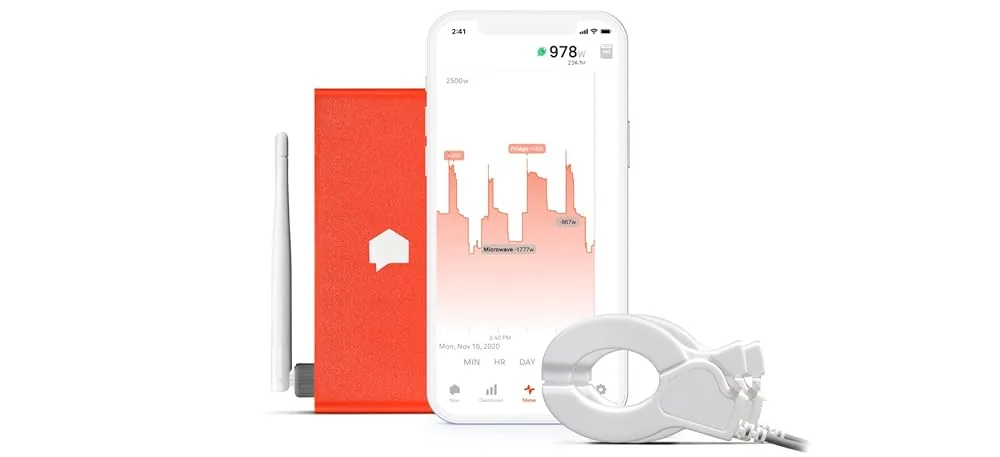
Smart plugs stop at the outlet. Hardwired loads — HVAC, water heater, oven, EV charger — are usually where the money actually goes, and reaching those means a panel monitor: see our Refoss vs Emporia Vue vs Sense comparison.
Take the plug price, then divide it by the yearly cost of the device you are trying to control. A $13 smart plug that helps you eliminate $24/year of waste pays back in about 6.5 months. If the plug only saves $6/year, it is still useful for visibility, but it is not your first ROI target.
The best combination is usually a cheap smart plug for one suspect load plus a broader strategy from our best smart power strip guide and the main phantom power hub.
A Simple 3-Night Testing Plan
Night 1: put the plug on your entertainment stack and compare always-on draw before bed to the draw after using the schedule. Night 2: move it to a desk setup or printer corner. Night 3: test the kitchen gadget or coffee station that quietly glows 24/7.
By rotating one smart plug through three suspect zones, you learn where the waste really lives before buying a six-pack you may not need. Once you identify a true standby hog, leave the plug there and graduate the next problem to a smart power strip or a whole-home monitor.
Pro tip: anything that gets warm, buzzes, or keeps a status light on all night deserves a measurement pass. Standby waste is usually invisible until you force yourself to look at the watts.
One more shortcut: look for devices with a transformer brick or always-on network connection. Those are the classic phantom-load personalities. They sip power quietly for months, so the monthly bill looks like “normal drift” instead of one obvious mistake. A single test cycle can turn that vague suspicion into a repeatable before-and-after number you can trust.