Published June 12, 2026 · 9 min read
Best Home Energy Monitor in 2026: 5 Compared
Last Updated: 2026-07-14
Energy monitors show you exactly where your electricity is going — in real time. We compared the top 5 on accuracy, install requirements and what they actually cost to run.
- Best overall: Emporia Vue 3 — 16 circuit sensors, solar-ready, Wi-Fi or Ethernet
- Best AI detection: Sense Monitor — identifies devices by their electrical signature
- Budget pick: Eyedro Home Energy Monitor — whole-home monitoring, no circuit-level detail
Why Use a Home Energy Monitor?
You can't manage what you can't measure. A home energy monitor clamps onto your electrical panel and shows you — in real time — exactly which circuits are drawing power and how much they cost. Seeing the data does change behaviour, but the size of the effect is modest and varies widely. ACEEE's review of nine real-time feedback pilots (Foster & Mazur-Stommen, 2012) found household electricity savings between 0% and 19.5%, averaging 3.8%; earlier ACEEE work put savings across all feedback types at 4–12%. Treat a monitor as a diagnostic tool, not a saving in itself.
The savings come from three places:
- Phantom loads: Finding devices that draw power 24/7 ($15-30/month for the average home)
- Behavior change: Turning off lights, adjusting the thermostat, and unplugging unused devices when you can see the real-time cost
- Appliance awareness: Discovering that your 15-year-old fridge costs $40/month to run vs $12 for a new one
The 5 Best Home Energy Monitors
1. Emporia Vue 3 — Best Overall
The Emporia Vue 3 is the monitor we recommend for most people. It tracks 16 individual circuits using clamp-on sensors and shows real-time data in a clean app. Installation is not a DIY job: Emporia’s own installation guide states that it “should be performed by a skilled person such as a licensed electrician or other qualified professional,” and warns that the service mains stay energised even with the main breaker off.
What we loved:
- 16 circuit-level sensors included (most competitors offer 8)
- Solar/battery monitoring built-in — tracks production vs consumption
- Clean, intuitive app with daily/weekly/monthly breakdowns
- Clamp-on sensors — no rewiring, but the panel must be opened by a qualified person
- Integrates with Alexa and Google Home
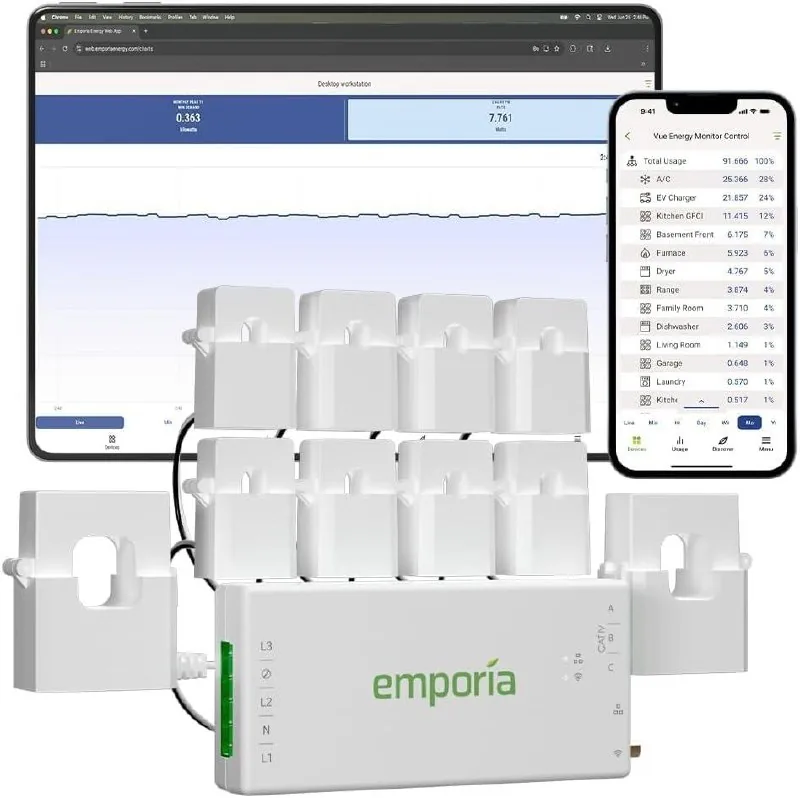
Emporia Vue 3 Home Energy Monitor
Check current price →
16 circuit sensors · Solar ready · Wi-Fi or Ethernet
View on Amazon →2. Sense Monitor — Best AI Detection
The Sense monitor uses machine learning to identify individual devices by their electrical signature. It can tell you "your HVAC is drawing 3.2 kW" and "your garage door opener just ran." It is the most capable monitor in this group at finding an unidentified load, though like the others it clamps inside your service panel and needs a qualified installer.
What we loved:
- AI identifies devices automatically — no manual labeling
- Beautiful app with real-time power flow visualization
- Solar monitoring included
- Active community sharing tips for specific devices
The catch: Requires an electrician ($100-200 install cost) and the AI takes 2-4 weeks to learn your devices.
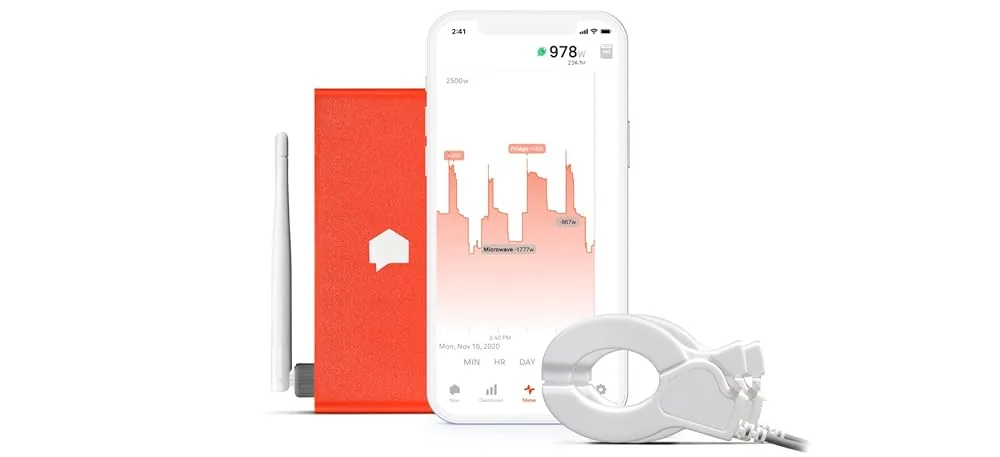
Sense Home Energy Monitor
Check current price →
AI device detection · Solar ready · Electrician install
View on Amazon →3. Eyedro Home Energy Monitor — Best Budget
If you just want whole-home monitoring without circuit-level detail, the Eyedro Home Energy Monitor is the best value. It monitors your total home usage and shows real-time cost. No circuit sensors, but it's dead simple to install and use.
Eyedro Home Energy Monitor
Check current price →
Whole-home monitoring · Budget pick · Easy install
View on Amazon →4. Emporia Vue 2 Gen — Best for Solar
The previous-generation Emporia Vue is still sold and is a solid pick if you have or plan to get solar panels. It tracks 8 circuits plus solar production, and the app shows your net energy position in real time.
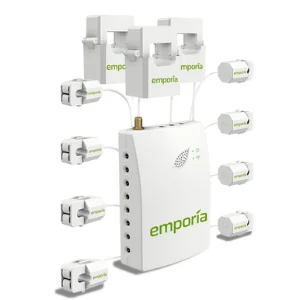
Emporia Vue Gen 2
Check current price →
8 circuits + solar · Previous gen · Great value
View on Amazon →5. Curb Energy Monitor — Circuit-Level, Professionally Installed
Curb tracks 10 circuits plus whole-home usage. We previously described it here as a wireless, no-wiring option suitable for renters. That was wrong, and we have corrected it: Curb places a sensor on each breaker inside the panel and is installed by a licensed electrician — TechCrunch’s review records a roughly three-hour professional install and states plainly that it is not something an average homeowner can install themselves. If you rent, none of the panel monitors on this page are usable — go to plug-level monitors instead.

Comparison Table
| Monitor | Circuits | Solar | Install |
|---|---|---|---|
| Emporia Vue 3 | 16 | Electrician | |
| Sense | 2 | Electrician | |
| Eyedro Home Energy Monitor | 0 | Electrician | |
| Emporia Vue 2 | 8 | Electrician | |
| Curb | 10 | Electrician |
Prices are deliberately not listed here: they move constantly and a stale figure is worse than none — use the links to check what each costs today. Every monitor in this table clamps sensors inside your service panel, so all of them need a qualified installer, not just Sense.
The Verdict
For most people, the Emporia Vue 3 is the pick. It offers the best balance of features and price, the 16 circuit sensors give you detailed data, and the app is easy to use. Budget for a licensed electrician on top of the hardware — roughly $150–$300 for a straightforward install.
If your problem is an unidentified load rather than an unmeasured circuit, Sense is worth the premium for its device detection. On a tight budget the Eyedro still provides useful whole-home data. For a closer look at the two 16-circuit options, see our Refoss EM16 vs Emporia Vue 3 head-to-head, which covers clamp ratings, Home Assistant support and safety certification.
Not sure which monitor fits your home?
Take our 2-minute Quick Quiz — we'll recommend the right monitor (and other products) based on your home's specific energy waste pattern. Or try our Dead Plug Detector tool to find phantom loads without buying any hardware.
EcoHome Intelligence participates in the Amazon Services LLC Associates Program. As an Amazon Associate, we earn from qualifying purchases at no extra cost to you. Selections are based on published specifications and documented install requirements, not on in-house testing. Prices accurate as of June 2026.
Sense Monitor
AI-powered energy monitor that identifies appliances by electrical signature
View on AmazonFAQ
What is the best home energy monitor?
The Emporia Vue 3 suits most homes: 16 circuit sensors, real-time data, and both Wi-Fi and Ethernet, which matters more than people expect because service panels are usually in the worst Wi-Fi spot in the house. If you want your data to keep working independently of a vendor’s cloud, the Refoss EM16P is the alternative — see our Refoss vs Emporia head-to-head.
Do I need an electrician to install one?
Yes, for every monitor on this page. They all clamp current transformers around conductors inside your service panel, and the service mains stay energised even with the main breaker off. Emporia’s own installation guide says the work “should be performed by a skilled person such as a licensed electrician or other qualified professional”. Budget roughly $150–$300 on top of the hardware.
Do home energy monitors actually save money?
Indirectly, and by less than most marketing suggests. ACEEE’s review of nine real-time feedback pilots (Foster & Mazur-Stommen, 2012) found household electricity savings between 0% and 19.5%, averaging 3.8%. A monitor shows you where the waste is; the saving comes from what you change afterwards. For a no-hardware starting point, try the 10-Minute Outlet Test first.
Which monitor is best for renters?
None of the panel monitors on this page, because all of them require opening a service panel you do not own. If you rent, use plug-level energy monitors instead: they install in seconds and tell you plenty about appliances, just nothing about hardwired loads like HVAC or a water heater.
Whole-home or plug-level monitoring?
Whole-home monitors catch everything, including the hardwired loads where the money usually goes. Plug-level monitors are cheap, need no electrician and give precise per-device numbers. If you own the home and want the full picture, start whole-home. If you are renting, on a budget, or chasing one specific mystery appliance, start at the plug.
Will 16 circuit sensors physically fit my panel?
Check before you order. Sixteen clamps and their leads take real space, and a crowded panel is the most common reason an install costs more than the quote. It is worth photographing the inside of your panel cover and showing it to whoever will do the work.
